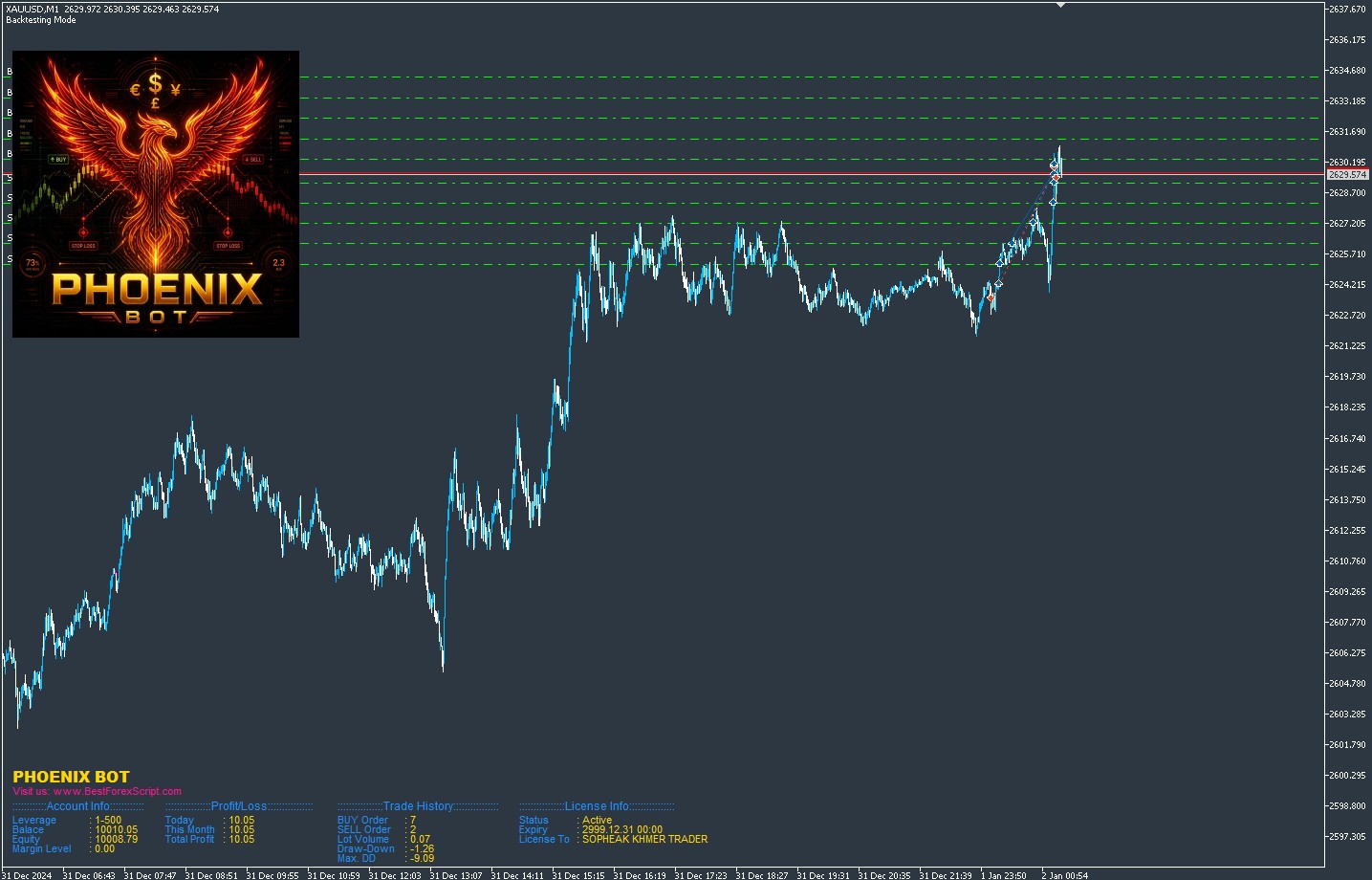
Phoenix Bot is a grid based Expert Advisor that take advantage of market volatility to generate profit. It could be run on any Account Type and any Broker as long as they allow to client to trade the EA.
How To Install Phoenix Bot
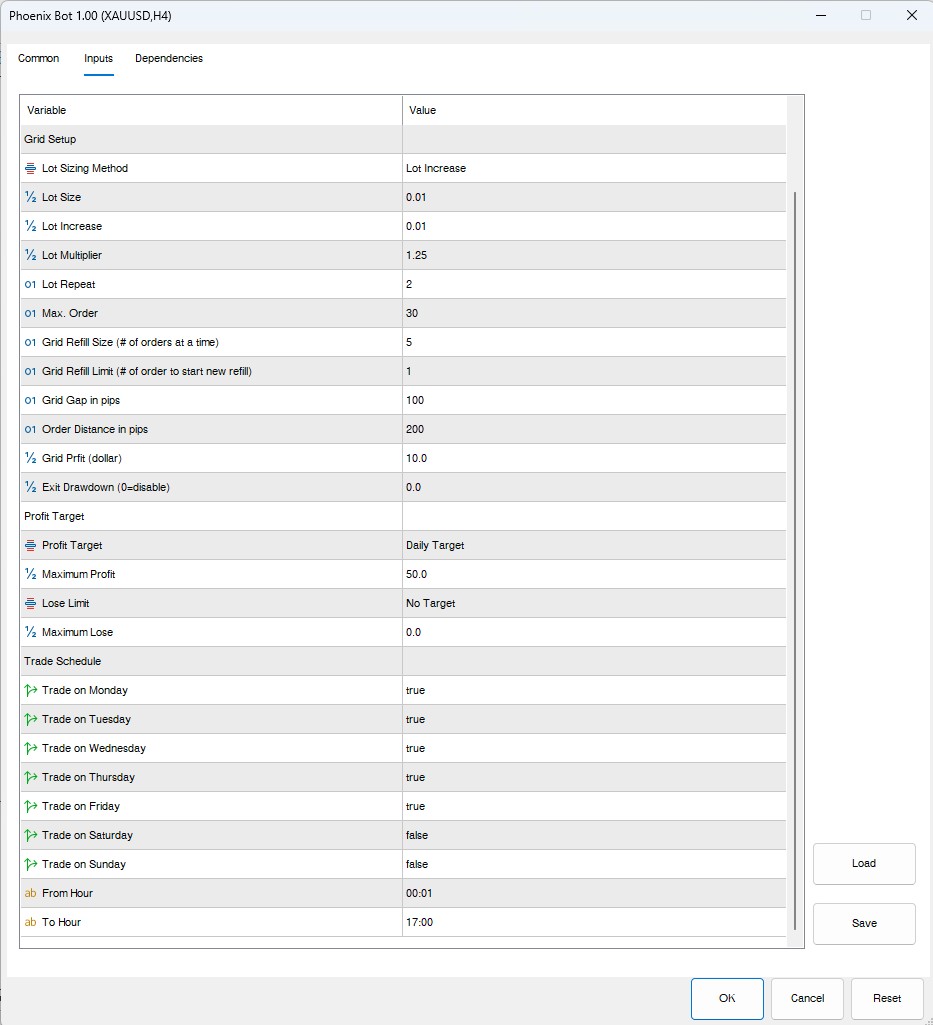
Firstly, On your Terminal go to File –> Open Data Folders –> MQL4 (or MQL5) –> Experts. Secondly, paste the ex4 or ex5 file you downloaded into Experts folder. Next you need to refresh your terminal by close and open it again or by Right Click on Navigator windows and click Refresh. To run the bot, simply double click on the Phoenix Bot on your Navigator windows or Drag it and drop on your chart –> make change on setting and click OK. Then you will the EA windows pop up for you to set the parameter. The last thing you need to do is to click OK and the bot will start trading if criteria meet.
How to get license for FREE
We are going to give FREE license to anyone who subscribe our Youtube Channel and register trading account under our IB link and make a deposit with at least 5000$. If you wish to use your broker of choice, the monthly subscription fee is $50.
Want More Information About Phoenix Bot? Ask Questions in Our Telegram
Need a VPS to Run Phoenix Bot? Click Here to Register

Download Link: